Omega TV is one of those lightweight Android TV apps that can surprise you with excellent picture quality. If your main goal is smooth TV streaming in 4K or Full HD, this app is worth trying, especially because it is free and easy to install through Downloader.
It does not come loaded with a huge number of channels, and that is important to say from the start. But what it does offer is solid enough to make it interesting: good image quality, support for Android TV, some French-language channels, the well-known purple package, and nearly all Algerian channels.
For anyone building a practical setup on Android TV, best app android tv resources can also help when comparing useful streaming and utility apps alongside Omega TV.
Table of Contents
- 📺 What makes Omega TV interesting?
- 🧩 What channels are available in Omega TV?
- 🛠️ How to install Omega TV using Downloader
- 📦 File source and download note
- ✅ Device compatibility and what to expect
- 🎯 Why Omega TV stands out despite a limited channel list
- 📝 Quick recap of the Downloader code
- ❓FAQ
📺 What makes Omega TV interesting?
The main strength of Omega TV is quality. The app is presented as a strong option for people who care more about clean playback and sharp resolution than having an endless channel list.
Here is what stands out:
- High-quality streaming with support for 4K and Full HD
- Free to use
- Works on phones and Android TV devices
- Includes Algerian channels
- Includes some French-language channels
- Small app size, around 19 MB
This makes Omega TV a practical option for anyone who prefers a simple app that installs quickly and focuses on playback quality first.
🧩 What channels are available in Omega TV?
It is better to set expectations correctly. Omega TV is not being presented as a giant all-in-one IPTV app with thousands of channels.
Instead, the value here is in a smaller selection that still covers useful content, including:
- The purple package
- French-speaking channels
- Almost all Algerian channels
If you need quantity above everything else, this may feel limited. But if your priority is having a clean app with very good picture quality, Omega TV can still be a smart choice.
That balance matters. Many apps promise a huge library but struggle with unstable playback, cluttered menus, or lower resolution. Here, the emphasis is clearly on the quality of the stream itself.
🛠️ How to install Omega TV using Downloader
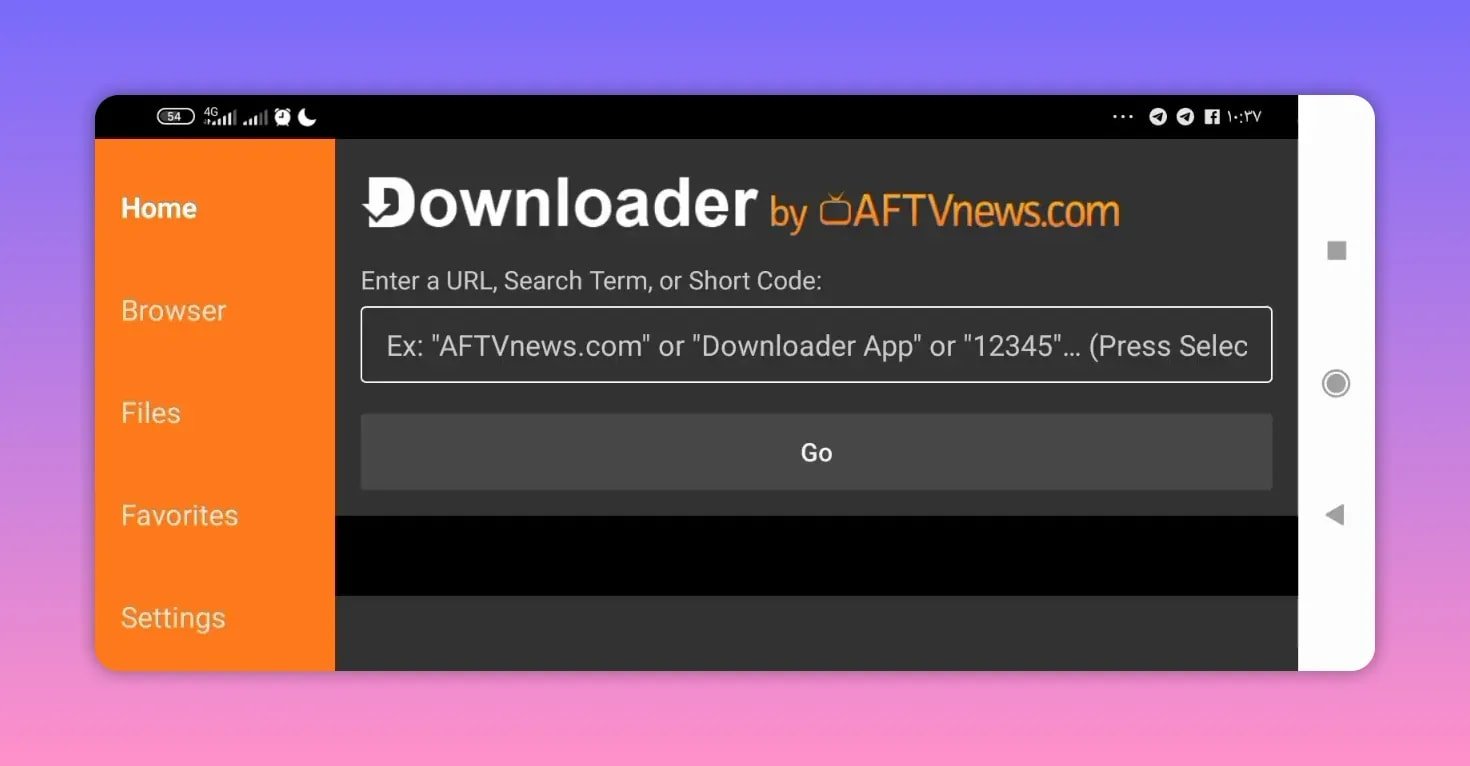
The installation method is straightforward. You only need the Downloader app on your Android TV device or compatible Android-based television.
If Downloader is not already installed, it is commonly used on Android TV and Fire TV devices for direct APK downloads. More about Downloader can be found through general app references such as AFTVnews Downloader guides.
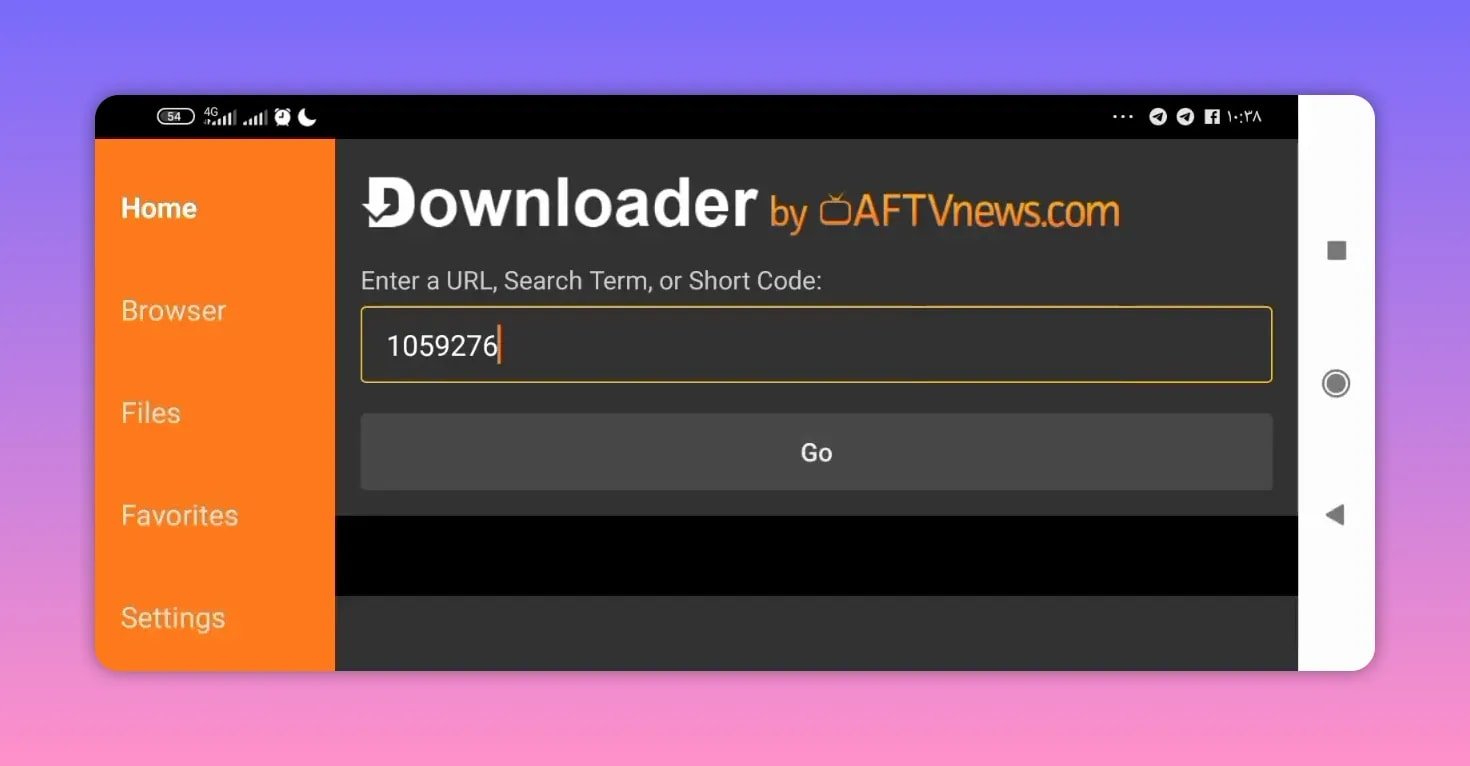
To install Omega TV, enter this code inside Downloader:
1059276After entering the code, press Go. This should take you to the file page where the app can be downloaded.
Installation steps
- Open the Downloader app on your Android TV.
- In the code field, type 1059276.
- Press Go.
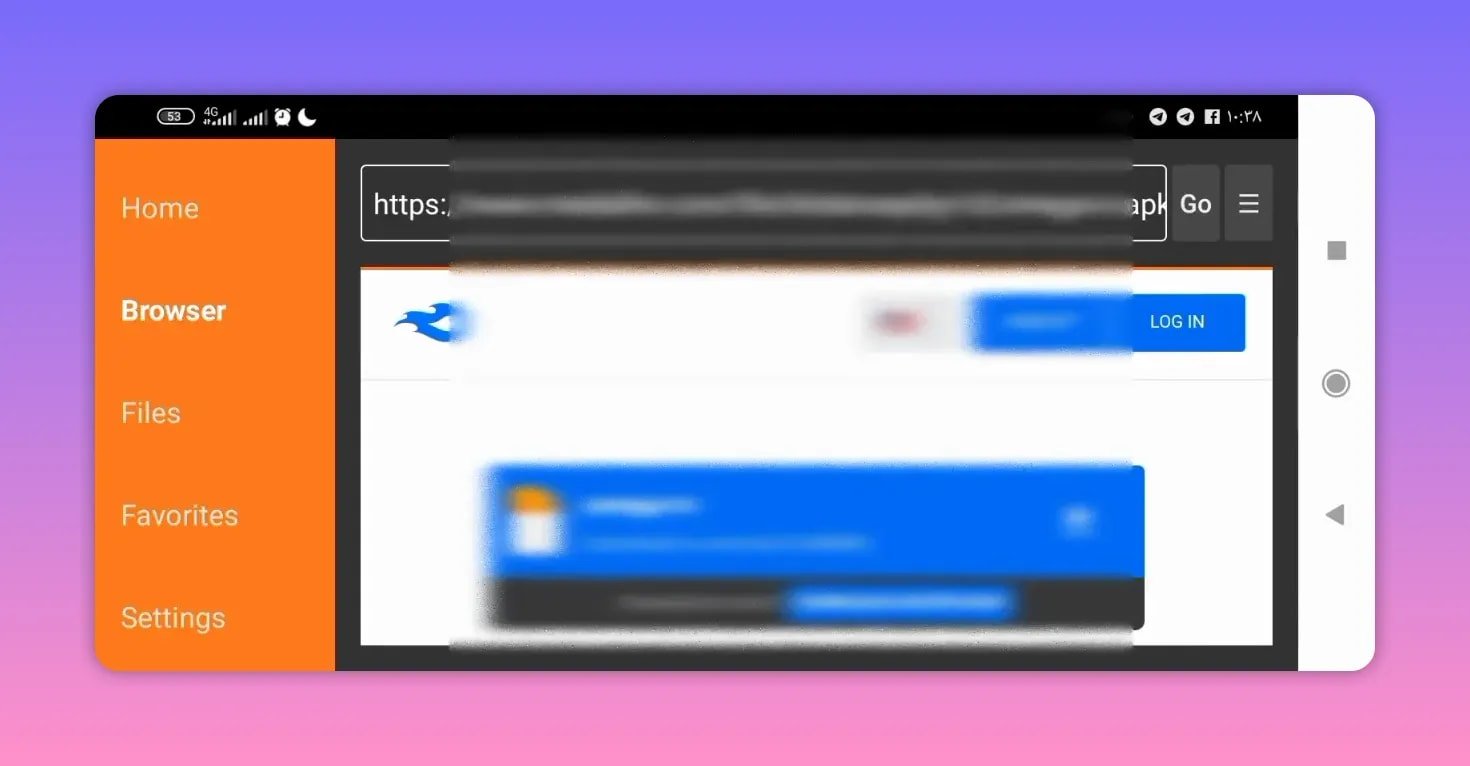
- Scroll down to find the app name, Omega TV.
- Select it to begin the download.
- Install the APK once the download completes.
The app size is about 19 MB, so it should download quickly on most connections.
📦 File source and download note
The file is hosted through a MediaFire link accessed from the Downloader code page. That means the code acts like a shortcut, sending you to the page where the APK is stored.
This method is popular because it avoids typing long URLs on a TV remote. Instead of entering a full download address manually, a short numeric code takes you directly to the correct page.
That is one reason Downloader codes remain so useful for Android TV app installation.
✅ Device compatibility and what to expect
Omega TV is described as working normally on the devices where it was tested. It is intended for:
- Android TV televisions
- Android TV boxes
- Android phones
There is also clear hope that it works across all Android versions, although that is not guaranteed for every device. In practice, app compatibility can depend on:
- The Android version installed
- The device brand and chipset
- Whether unknown app installation is allowed
- Available storage and system memory
If you use Android TV often, it is also worth checking Google’s official Android TV information for platform basics and app support: Android TV by Google.
🎯 Why Omega TV stands out despite a limited channel list
Some apps try to win with volume. Omega TV takes a different route. The appeal here is simple:
- Good quality streams
- Simple installation
- Works on TV and phone
- Useful regional channel coverage
That makes it especially appealing for anyone who mainly wants a reliable way to access Algerian channels and a few extra French-language options, without dealing with a bloated app.
There is also an obvious wish for future updates to add more channels. If that happens while keeping the same image quality, Omega TV could become even stronger as an everyday streaming app.
📝 Quick recap of the Downloader code
If you just need the essential install detail for Omega TV, here it is:
- App name: Omega TV
- Platform: Android TV and Android phones
- Quality: 4K and Full HD
- Approximate size: 19 MB
- Downloader code: 1059276
❓FAQ
Is Omega TV free?
Yes. Omega TV is presented as a free app.
Does Omega TV work on Android TV?
Yes. One of the main points highlighted is that Omega TV works on Android TV, which is a big part of its appeal.
Can I use Omega TV on a phone?
Yes. Omega TV is also described as working on phones in addition to televisions and Android TV devices.
What is the Downloader code for Omega TV?
The Downloader code is 1059276.
How large is the Omega TV app?
The app size is about 19 MB.
Does Omega TV include many channels?
No, not a huge number. The app is described as having a limited channel selection, but it still includes the purple package, some French-language channels, and nearly all Algerian channels.
What streaming quality does Omega TV support?
Omega TV is promoted for 4K and Full HD streaming quality.
Will Omega TV work on all Android devices?
It worked normally on the devices where it was tested, and there is hope that it supports all Android versions, but full compatibility on every device is not guaranteed.
Omega TV is a simple recommendation for anyone who wants strong image quality without a complicated setup. If 4K and Full HD matter more to you than having an oversized list of channels, this app is easy to try and light enough to install in just a few minutes.