If you are always looking for new Android TV apps for live channels, sports, and Arabic entertainment, the Mosul 1 app is one of those simple options worth trying. It follows the same idea as IPTV-style apps, and it comes in both a paid version and a free version.
Here the focus is on the free version, including the Downloader code used to install it and the activation code setup approach mentioned for keeping the app working.
📺 What is the Mosul 1 app?
Mosul 1 is presented as a streaming app designed for Android TV and also usable on phones. The app is described as containing many of the channels people usually search for, especially:
- Sports channels
- Entertainment channels
- Arabic channels
That makes it relevant for anyone searching for apps to install on a smart TV, Google TV, or Android TV box using Downloader codes.
📥 How to download Mosul 1 using Downloader
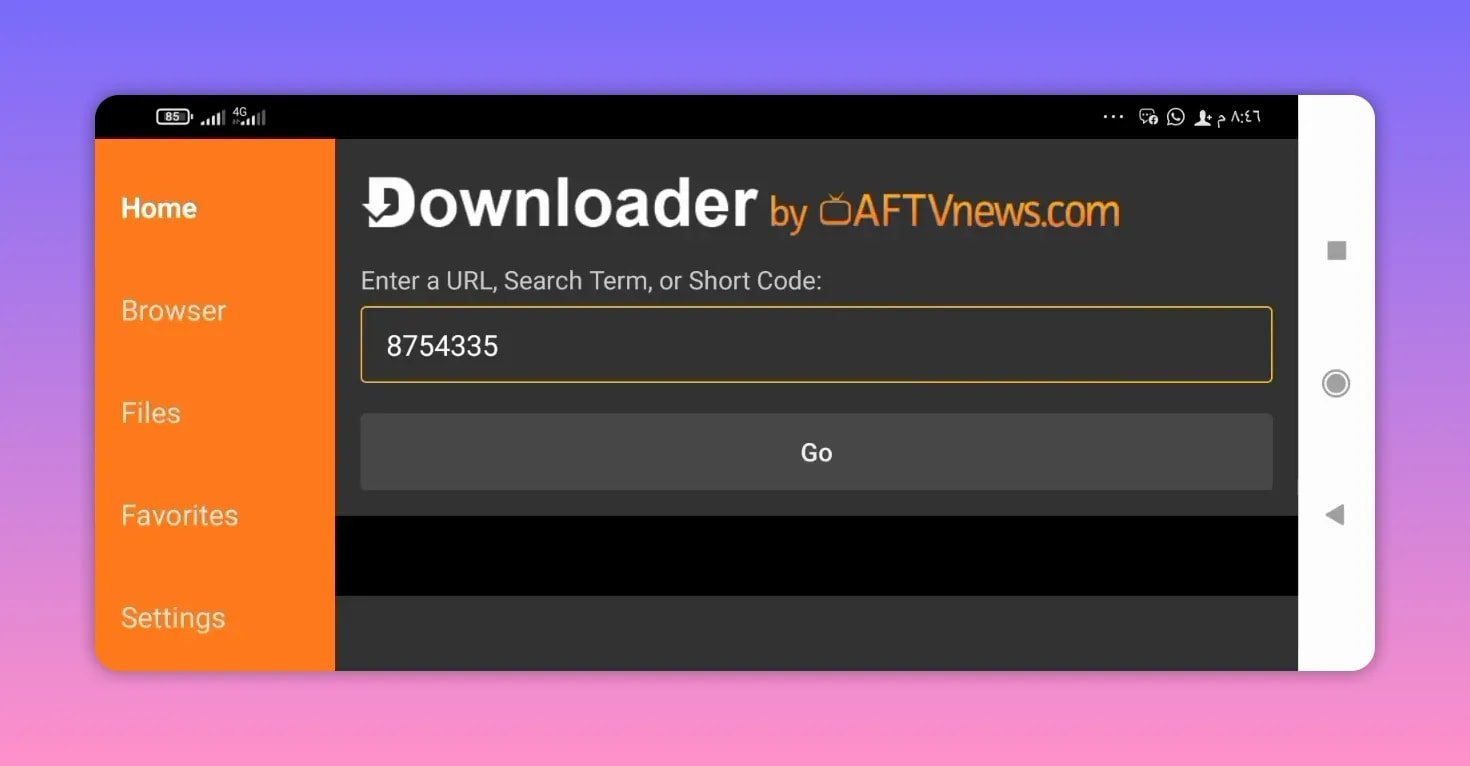
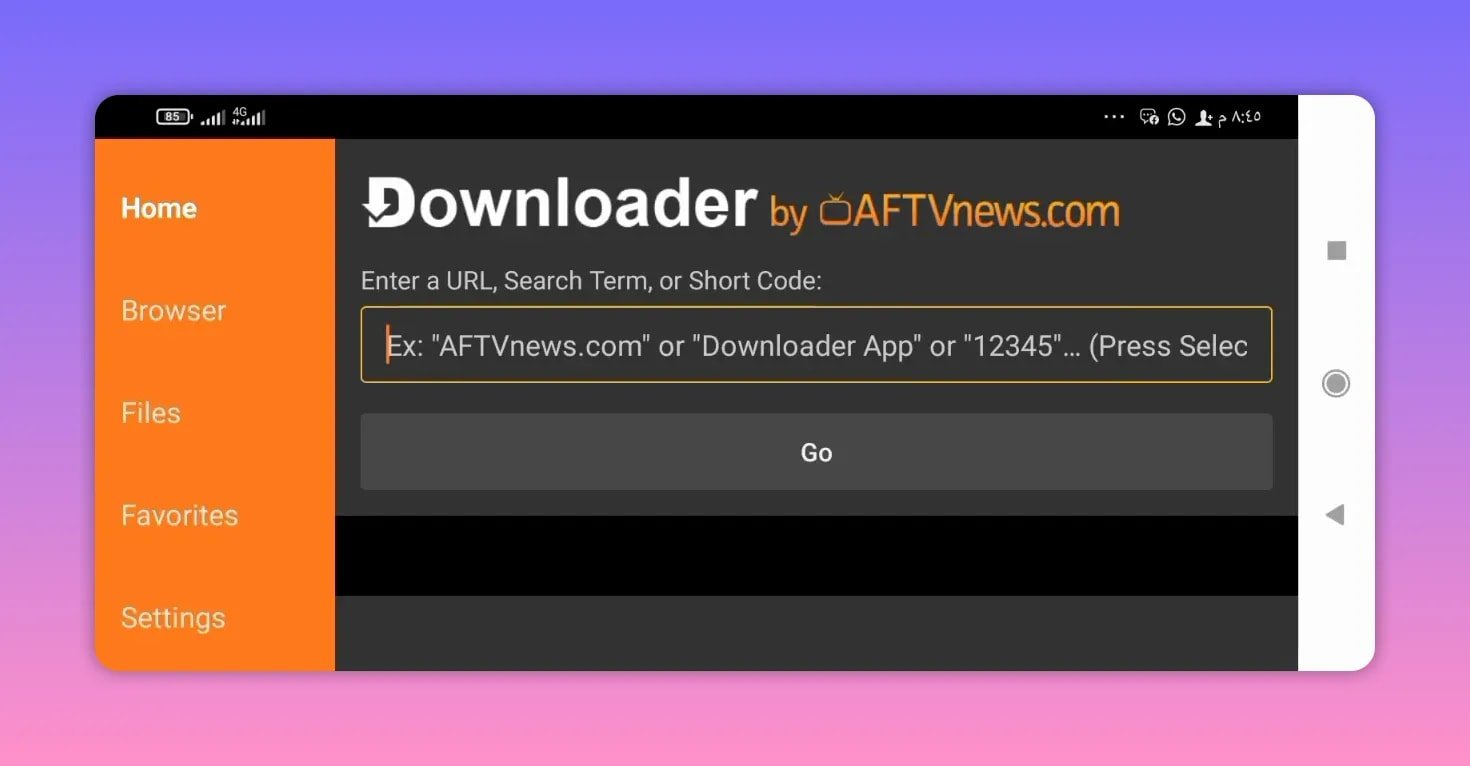
The installation method is very direct. You open the Downloader app on your Android TV device and enter the app code provided for Mosul 1.
The code shared for downloading the app is:
8754335
Once you type that code into Downloader, continue to the next step and wait a few seconds. The app page should then redirect you to the file-hosting page used for the download.
- Open Downloader on your Android TV or compatible device.
- Enter this code: 8754335
- Confirm the entry.
- Wait for the redirection to finish.
- When the download page opens, scroll down.
- Select the app name.
- Start the automatic download.
🌐 Where the download link takes you
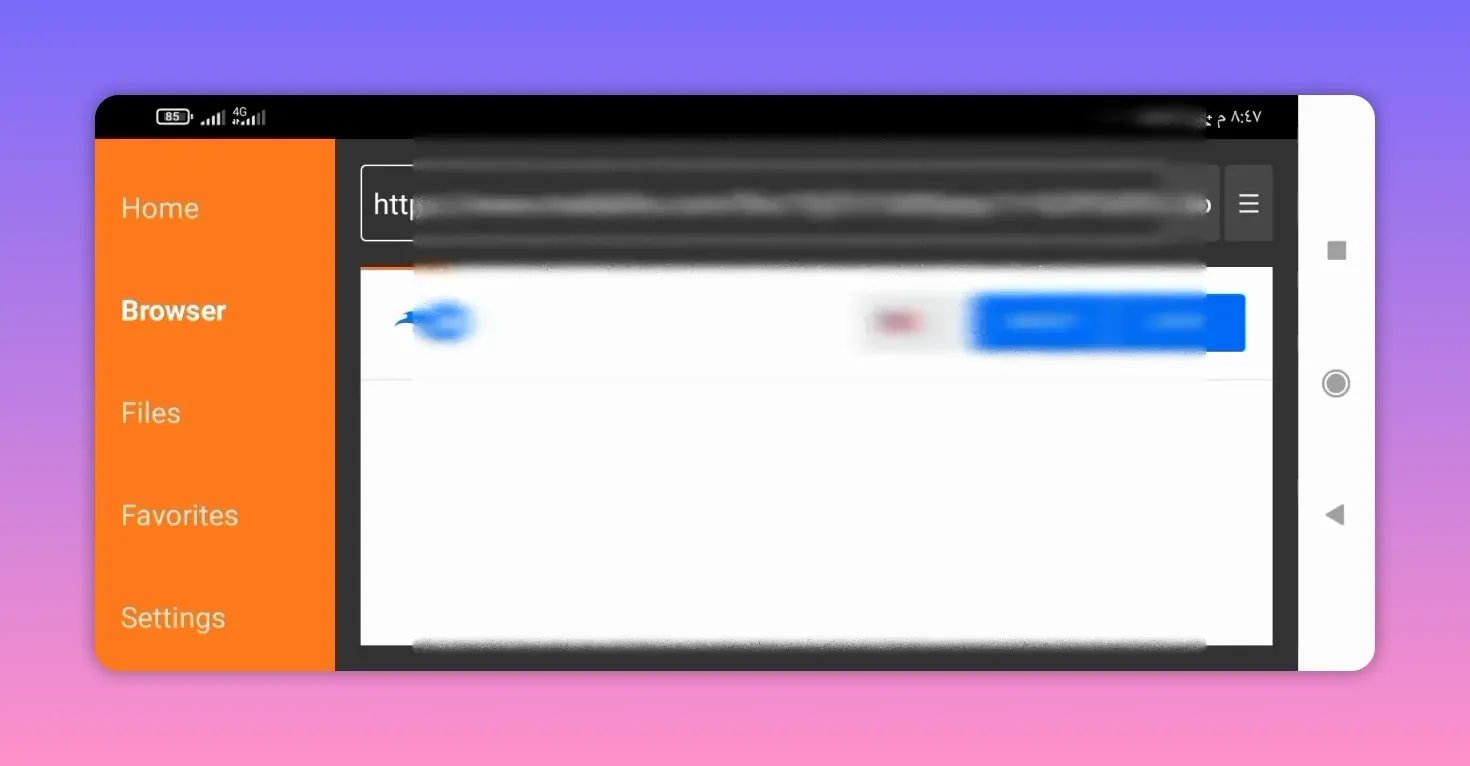
After entering the Downloader code, the process redirects to a MediaFire page. From there, the only thing you need to do is scroll down and press the application name to begin downloading the APK file automatically.
This is a common method for installing third-party Android TV apps, especially when people use Downloader codes instead of typing long direct links manually.
🔑 Activation code and what to do if it changes
One of the important details mentioned about Mosul 1 is that it uses an activation code. The currently available activation code is shared alongside the app setup, but there is also an important note: the code may change over time.
Because of that, the recommended solution is to keep access to the app owner’s Telegram channel. If the existing activation code stops working, the new code can be found there.
This is a practical tip because many IPTV-style or TV channel apps update their activation methods regularly. So if the app installs correctly but asks for a fresh code later, the Telegram source becomes the place to check first.
📱 Devices supported by the app
The app is introduced mainly for Android TV screens, but it is also positioned as something that can be used on mobile phones. That gives it a bit more flexibility if you want the same channel app on different devices.
From the context provided, the intended setup works especially well for:
- Android TV devices
- Smart TVs that support Android TV
- Google TV devices
- Android phones
⭐ Why this app stands out
The appeal here is not complexity. It is convenience.
Mosul 1 is presented as a straightforward app that gives access to many of the channels people usually want in one place. Instead of going through a long setup, the process is built around:
- A single Downloader code
- A simple download page
- An activation code system
- Coverage of popular sports and entertainment content
For anyone searching terms like best code downloader on Android TV, codes for Downloader, how to install apps on smart TV, or download apps on Android TV, this fits exactly into that style of setup.
🛠️ Installation notes to keep in mind
Even though the process is simple, there are a few practical points to remember:
- Make sure Downloader is already installed on the device.
- Enter the code carefully as 8754335.
- Wait for the redirect instead of backing out too quickly.
- On the MediaFire page, scroll until the app file appears.
- If activation fails, check for an updated code through the app owner’s Telegram channel.
These small details usually make the difference between a smooth install and unnecessary troubleshooting.
❓FAQ
What is the Downloader code for Mosul 1?
The shared Downloader code for the Mosul 1 app is 8754335.
Is Mosul 1 a free app?
The app is described as having both a paid version and a free version. The setup covered here is for the free version.
What kind of channels does Mosul 1 include?
It is presented as including many popular channels, especially sports, entertainment, and Arabic channels.
Can I install Mosul 1 on Android TV and phones?
Yes. It is introduced for Android TV and also mentioned as usable on phones.
Where does the download open after entering the code?
After entering the code in Downloader, the process redirects to MediaFire, where the app file can be downloaded.
What should I do if the activation code stops working?
If the activation code changes, the recommended step is to check the Telegram channel of the app owner to get the updated code.
Mosul 1 keeps things simple: a direct Downloader code, a quick MediaFire install, and access to the kinds of channels most people are already searching for on Android TV. If your goal is to install a new live TV app on a smart TV or Google TV device without a complicated process, this is exactly the type of setup built for that.