If you are looking for a simple way to install Raezn tv and a second solid live TV app on Android TV, Google TV, or even an Android phone, this guide puts everything in one place. These two apps are presented as strong options for watching channels, movies, and some series, and both are installed through the Downloader app using short numeric codes.
The focus here is practicality. No long setup, no complicated search. Just enter the code, go to the download page, and install the latest version of each app.
Table of Contents
- 📺 What these two apps offer
- 🛠️ How the installation method works
- 📥 Kayden TV Downloader code and what to expect
- 🚀 Raezn tv Downloader code and latest version details
- 🔍 Kayden TV vs Raezn tv
- 📡 Internet quality matters more than people think
- 📱 Device compatibility
- ✅ Quick installation recap
- ❓FAQ
📺 What these two apps offer
The two apps featured here are:
- Kayden TV
- Raezn tv
Both are presented as updated versions and both combine more than one type of content. Instead of being limited to one category, they aim to give access to:
- Live channels
- Movies
- Some series
This makes them useful for anyone who prefers an all-in-one app rather than installing a separate app for every content type.
They also work on more than one device type. The installation approach is meant for TV screens through Downloader, but the apps are also described as working on Android phones.
🛠️ How the installation method works
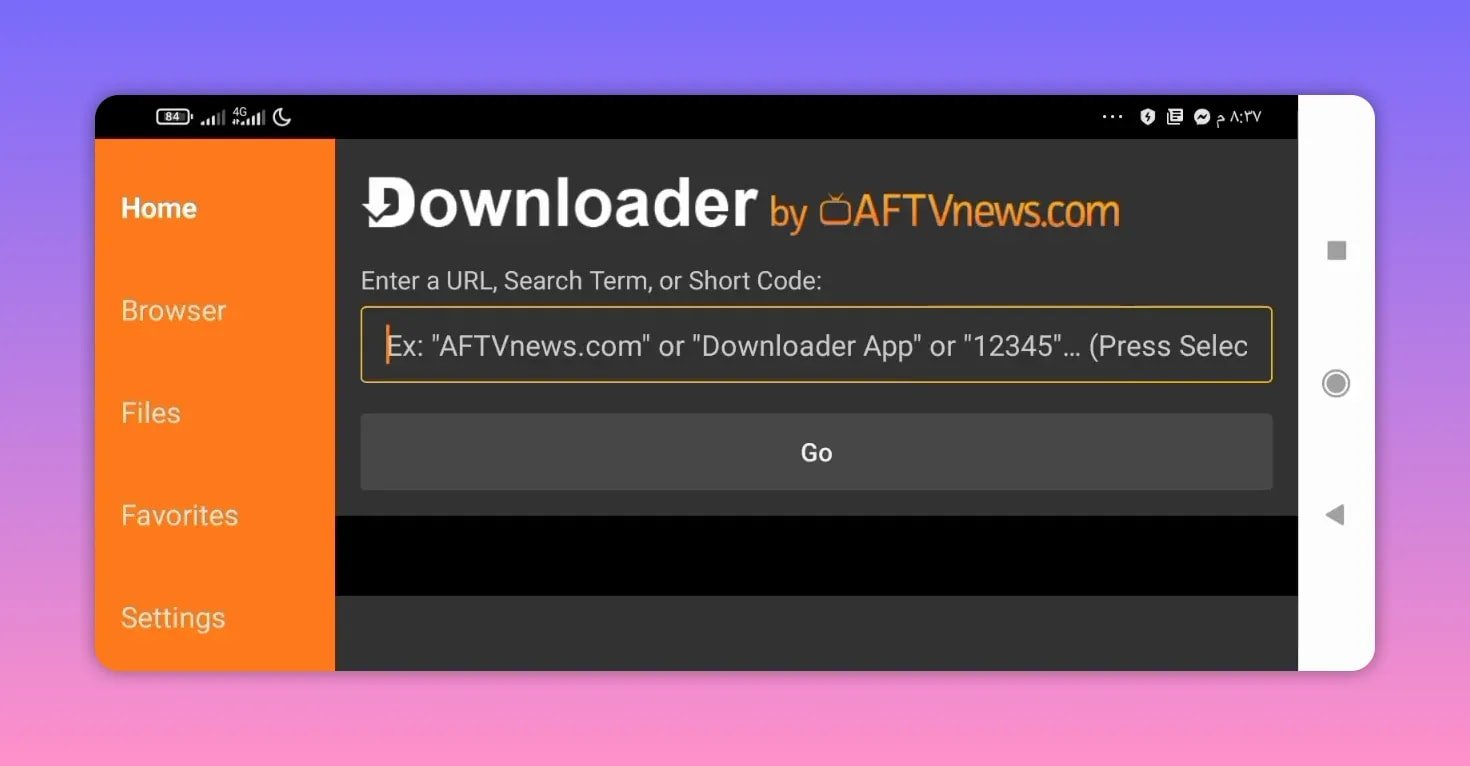
The method is based on the Downloader app, a well-known tool for sideloading APK files on Android TV devices. If you have not used it before, the official app page from AFTVnews is a helpful reference for understanding how Downloader works.
The process is straightforward:
- Open Downloader on your device.
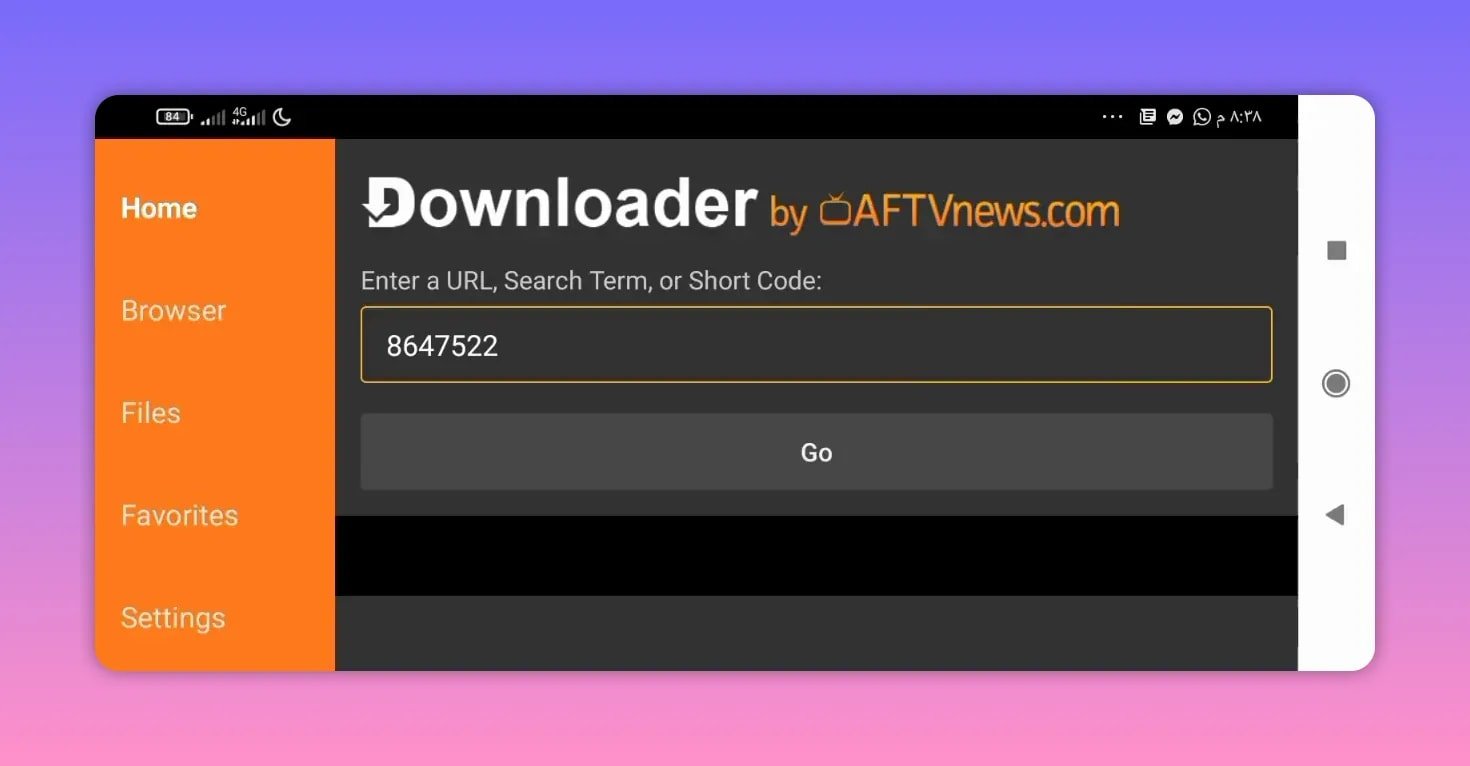
- Enter the numeric code for the app you want.
- Press Go.
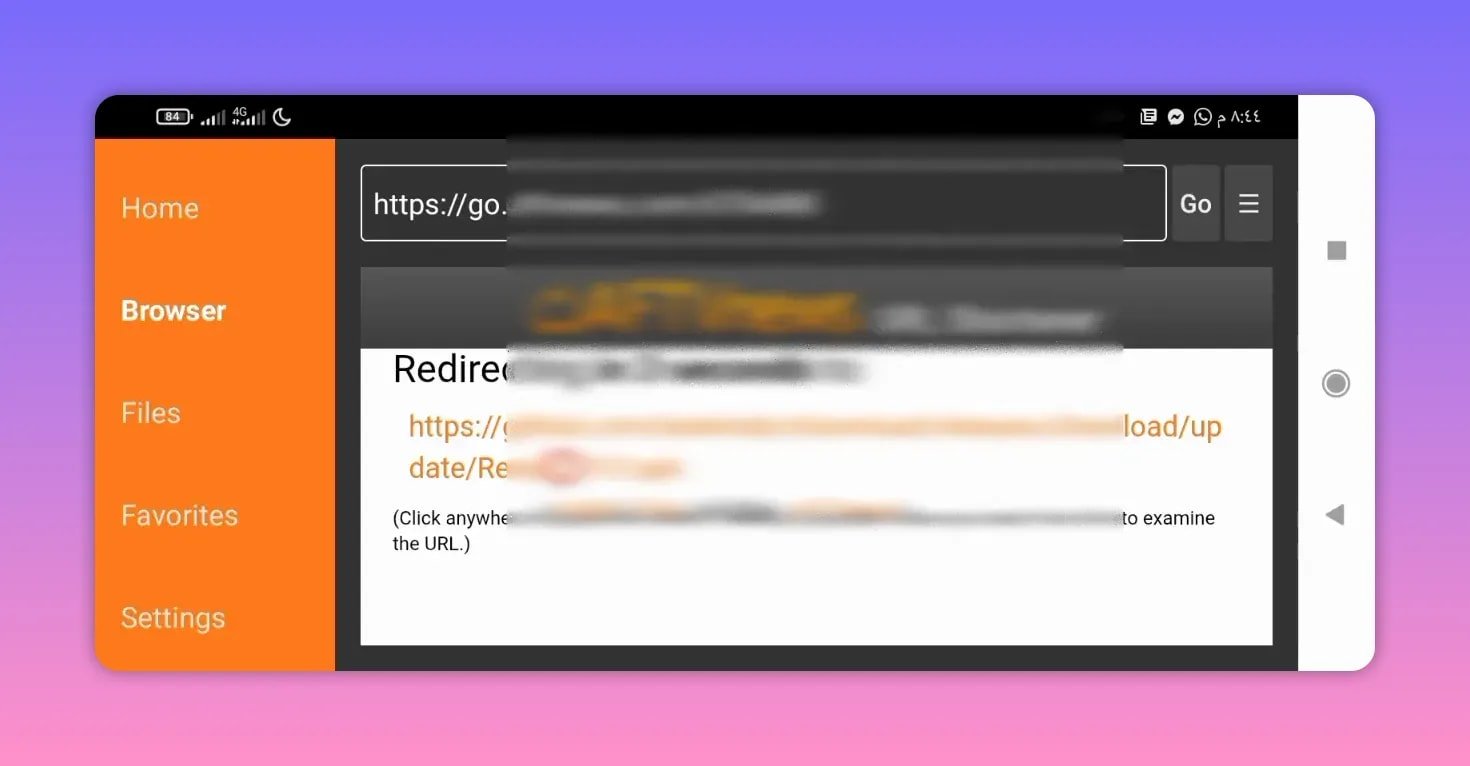
- You will be redirected to the download source.
- Download and install the APK.
In both cases here, the redirect goes directly to a GitHub download page. That matters because it keeps the process simple. You are not being told to click through extra pages or hunt for the file manually.
If you regularly install streaming apps this way, you may also find this broader Android TV app collection useful for discovering similar Downloader-based setups.
📥 Kayden TV Downloader code and what to expect
The first app is Kayden TV. It is described as a strong app for channels along with some movie content, and it works on both phone and TV.
Downloader code for Kayden TV:
8647522After entering the code and pressing Go, the app redirects to GitHub for a direct download.
App size: around 30 MB.
That relatively small size is a plus if you are installing on a device with limited storage, which is common on Android TV sticks and entry-level TV boxes.
Why Kayden TV stands out
Kayden TV is highlighted as an app with many strong servers for streaming. That is important because server variety often makes a noticeable difference in app usability. When one stream source is unstable, a strong app usually benefits from having more than one route for playback.
The app is also described as working especially well when your internet connection is good. That does not mean it is unusable otherwise, but the point is clear: stable internet helps this app perform at its best.
Another practical note is that many sections are working properly, while a few limited sections may not work. That is a realistic expectation and more useful than pretending every category is perfect.
So if your priority is a lightweight app with plenty of streaming sources and a mix of channels and some films, Kayden TV looks like a strong first option.
🚀 Raezn tv Downloader code and latest version details
The second app is Raezn tv, and it is positioned as another excellent choice, especially for people who want a large number of working channels in one place.
Downloader code for Raezn tv:
6704488Just like the first app, entering the code in Downloader redirects directly to GitHub for download.
App size: around 50 MB.
What makes Raezn tv appealing
Raezn tv is described as containing many channels that are actually working, which is one of the most important points when choosing a streaming app. A large library means very little if most streams are broken. The value of Raezn tv here is that the emphasis is on usable channels, not just a long menu.
It is also presented as the latest version of the app, which matters for compatibility and performance. Updated APK versions often improve playback, fix broken sections, or refresh content sources.
If your main goal is channel access and you want a newer release of a known app, Raezn tv is clearly one of the featured recommendations.
For anyone comparing similar installs, this guide on installing a streaming app on Smart TV and phone can also help you understand the same Downloader workflow with another app example.
🔍 Kayden TV vs Raezn tv
Both apps are recommended, but each has a slightly different emphasis.
- Kayden TV: lighter in size, offers channels plus some movies, and is praised for strong servers.
- Raezn tv: slightly larger, highlighted for having many working channels, and shared as the latest version.
If you are unsure which one to install first, this simple comparison helps:
- Choose Kayden TV if you want a smaller app with a mixed content lineup.
- Choose Raezn tv if your priority is channel availability and a fresh updated version.
- Install both if you like having backup options. That is often the smartest move with TV streaming apps.
📡 Internet quality matters more than people think
One useful point mentioned for these apps is the role of internet quality. Even a strong app can feel average on a weak connection. On the other hand, a reliable connection can make apps like Kayden TV and Raezn tv perform much better.
If you are installing either app on a TV box or smart TV, keep these practical tips in mind:
- Use a stable Wi-Fi connection or Ethernet if available.
- Close background apps if your device is low on memory.
- Make sure you install the latest version.
- Keep more than one streaming app available in case one section stops working.
That last point is especially relevant. Many people prefer having two or three reliable apps instead of depending on only one. In that sense, pairing Kayden TV with Raezn tv makes practical sense.
📱 Device compatibility
These apps are intended for more than just one screen type. The shared details indicate compatibility with:
- Android TV
- Google TV
- TV boxes
- Android phones
That flexibility is useful if you want the same app library on your television and mobile device.
For people using Android TV specifically, the general Android TV documentation is a solid reference if you want to understand app compatibility and TV interface behavior at a platform level.
✅ Quick installation recap
If you want the shortest possible version, here it is:
- Kayden TV code: 8647522
- Raezn tv code: 6704488
- Open Downloader
- Enter the code
- Press Go
- Download from GitHub
- Install the APK
That is the whole method. Simple, direct, and built around the usual Downloader workflow.
❓FAQ
What is the Downloader code for Kayden TV?
The Downloader code for Kayden TV is 8647522.
What is the Downloader code for Raezn tv?
The Downloader code for Raezn tv is 6704488.
Where do the download codes redirect?
Both codes redirect directly to GitHub for downloading the APK files.
Does Raezn tv work only on TV screens?
No. Raezn tv is shared as part of a group of apps intended for TV screens and Android devices, and the featured apps are described as working on phones as well.
How large are the apps?
Kayden TV is around 30 MB, while Raezn tv is around 50 MB.
Which app is better for live channels?
Raezn tv is specifically highlighted for having many working channels. Kayden TV also includes channels, but it is especially praised for strong servers and a mix of channels and some movies.
Do all sections work perfectly in Kayden TV?
No. The app is described as excellent overall, with many sections working well, while a few limited sections may not work.