Todplus is one of those Android TV apps people look for when they want a simple IPTV-style option on the big screen. If you want to install Todplus using the Downloader app, the process is quick: enter the code, get redirected to the download page, install the APK, then use the activation code provided separately.
This guide puts everything in one place so the setup is easy to follow, especially on Android TV and Google TV devices.
Table of Contents
- 📺 What Todplus is meant for
- ⬇️ What you need before installing Todplus
- 🔢 Todplus Downloader code
- 🛠️ How to install Todplus step by step
- 📦 Todplus app size and storage impact
- 🔐 Activation codes for Todplus
- ✅ What to expect from the installation flow
- 💡 Tips if Todplus does not work right away
- ❓FAQ
- 📝 Final notes
📺 What Todplus is meant for
Todplus is presented as an IPTV-style app for Android TV, with broad channel access and a TV-friendly setup process. The focus here is not a complicated configuration, but a direct install through Downloader using a short numeric code.
That makes it useful for anyone who prefers installing apps on a television without typing long URLs manually.
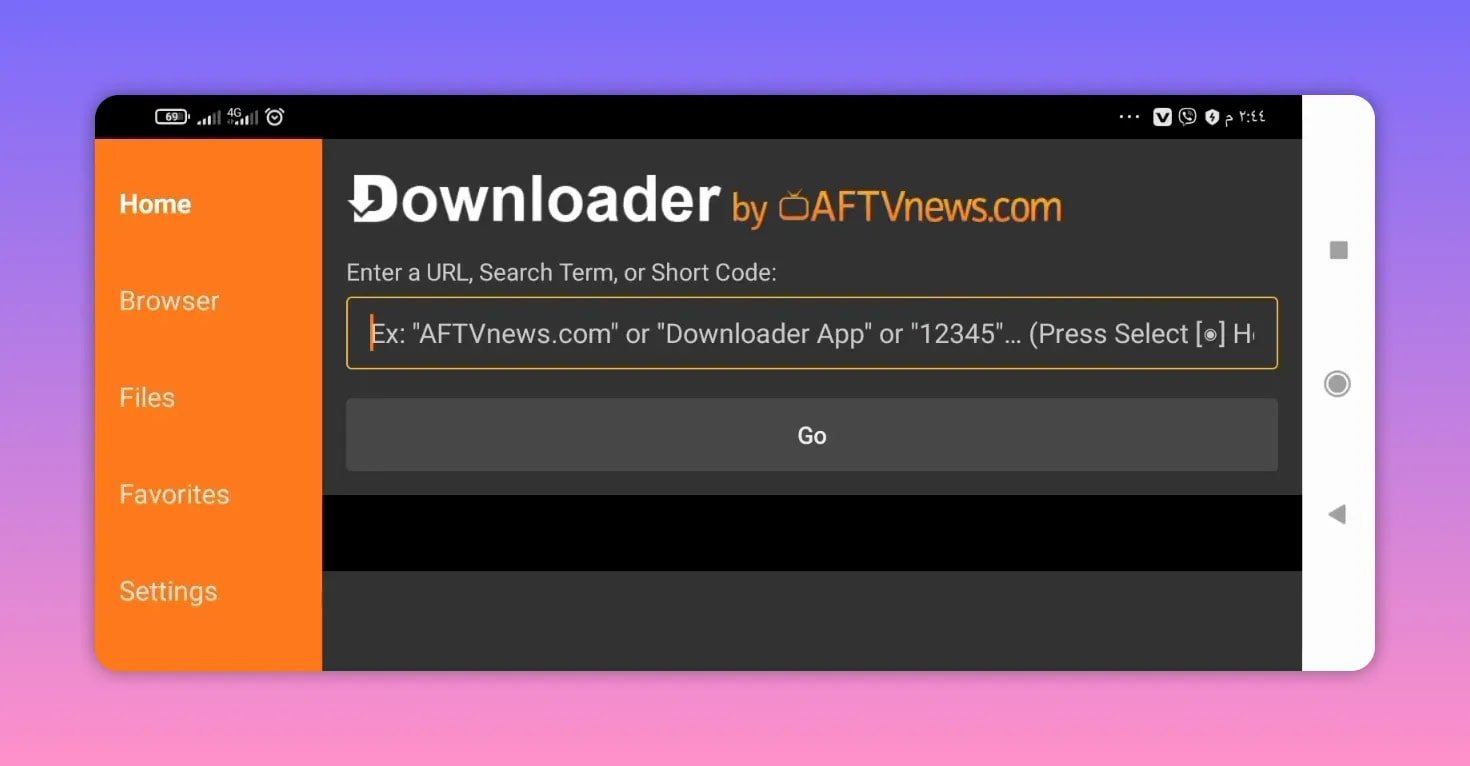
If you usually install streaming apps this way, you might also like this related guide on installing another Android TV streaming app with Downloader, since the workflow is very similar.
⬇️ What you need before installing Todplus
Before installing Todplus, make sure you have:
- An Android TV or Google TV device
- The Downloader app already installed
- Permission to install apps from unknown sources, if your device asks for it
- The activation code for Todplus, which is provided separately
If you are new to this type of installation, Downloader is commonly used for entering short codes and opening APK download pages on TV devices.
🔢 Todplus Downloader code
The download code for Todplus is:
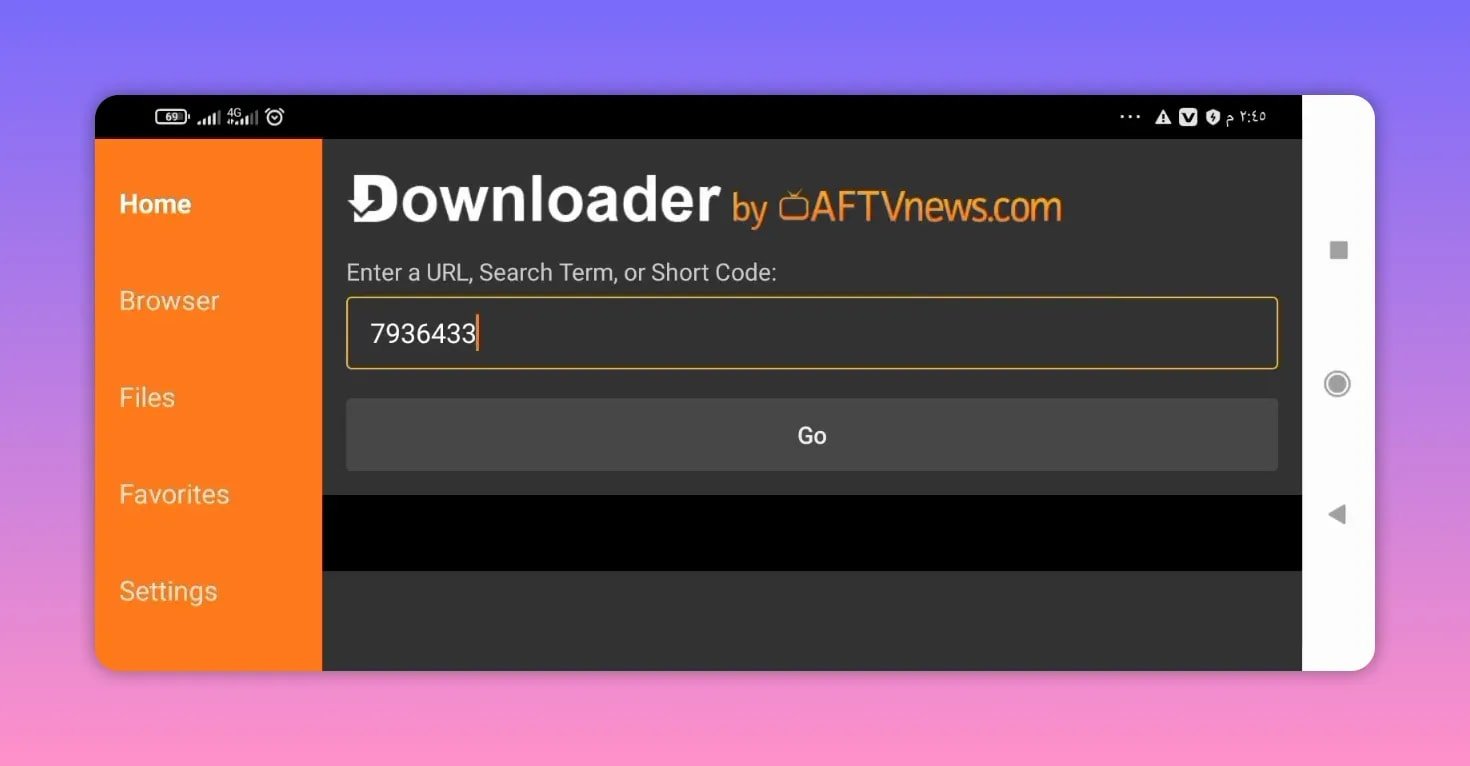
79363
This is the code you enter directly inside the Downloader app.
🛠️ How to install Todplus step by step
- Open the Downloader app on your Android TV.
- Go to the input field where you normally enter a code or URL.
- Type 79363.
- Select Go.
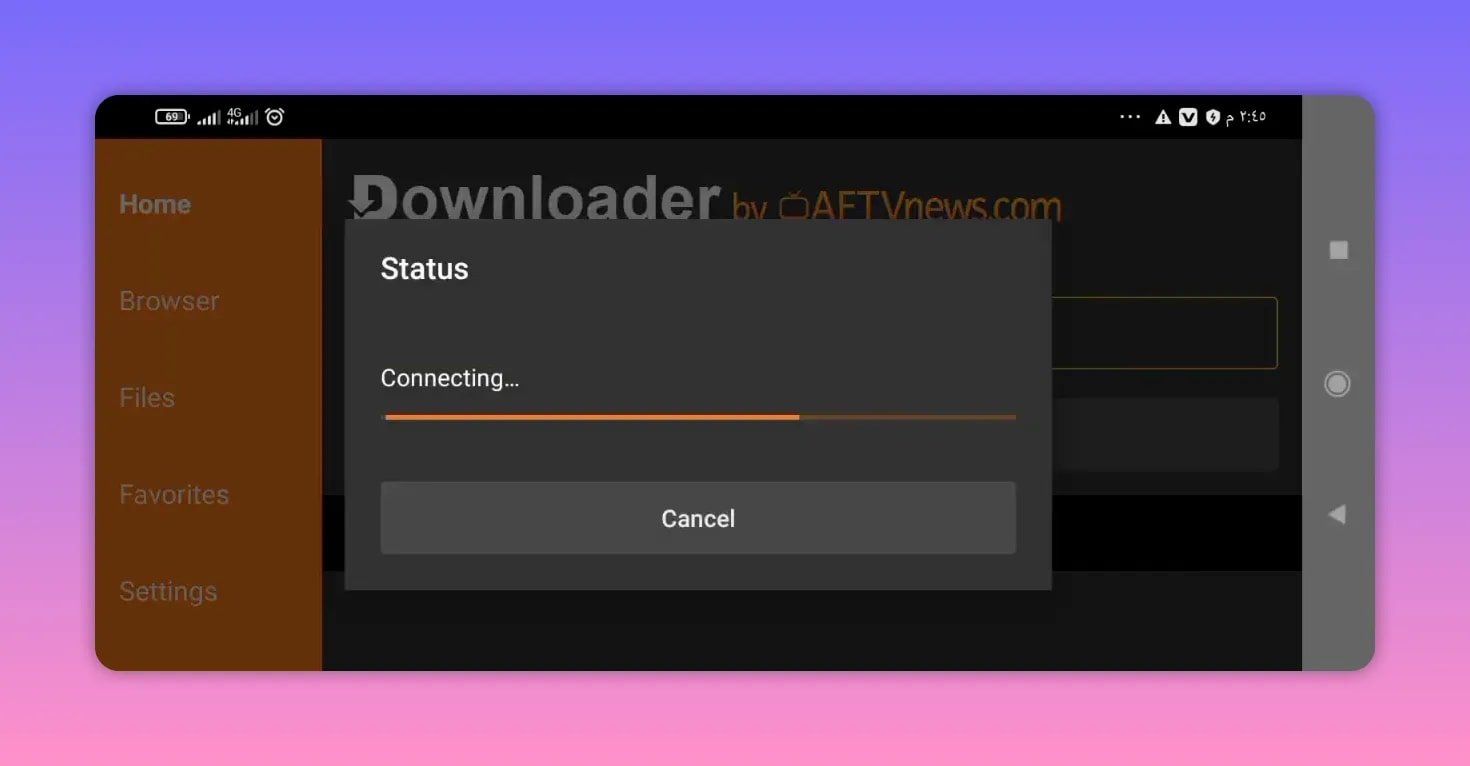
- Wait for the redirect to the download page.
- On the page, scroll down until you find the app file.
- Select the Todplus app name or APK file.
- The download should begin automatically.
- Once the file finishes downloading, proceed with installation.
The app download redirects to a MediaFire page, where the latest available version can be downloaded.
This style of install is common across many Android TV APK guides. If you want more examples of similar apps and setup methods, the Android TV app collection here is a useful reference.
📦 Todplus app size and storage impact
The stated size of Todplus is about 34 MB.
That is a moderate size for an Android TV app and should not take up much space on most televisions or streaming devices. If your device has limited storage, this is still relatively manageable compared to heavier streaming apps.
🔐 Activation codes for Todplus
One important point: Todplus needs an activation code after installation.
The free activation codes are not built into the APK itself. They are provided separately, and the note shared with the app is that these codes are pinned in the first comment.
So the process has two parts:
- Install Todplus using Downloader code 79363
- Use the current activation code made available separately
This is a common pattern with IPTV-style Android TV apps. Codes may change over time, so if one code stops working, the latest available one usually needs to be checked again.
✅ What to expect from the installation flow
The overall setup for Todplus is straightforward:
- Short numeric code instead of a long web address
- Redirect to MediaFire for the APK
- Small-to-medium app size
- Separate activation requirement
The app is described as offering access to a wide range of channels, which is why it is being presented as a practical Android TV option for people who want a simple IPTV-style experience.
💡 Tips if Todplus does not work right away
If Todplus does not run properly after installation, check these basics first:
- Make sure the Downloader code was entered correctly as 79363
- Confirm that the APK fully downloaded before installation
- Check whether your device blocked unknown app installs
- Use the latest activation code available
- Retry the installation if the file was interrupted during download
Because the app depends on activation, many problems come from outdated or missing codes rather than the installation itself.
❓FAQ
What is the Downloader code for Todplus?
The Downloader code for Todplus is 79363.
Where does the Todplus code redirect?
It redirects to a MediaFire download page where the latest version of the app can be downloaded.
Does Todplus need an activation code?
Yes. Todplus requires an activation code after installation.
Where can the Todplus activation code be found?
The activation codes are indicated as being pinned in the first comment associated with the app instructions.
How large is the Todplus app?
The app size is about 34 MB, which is considered moderate and should not take much storage on most Android TV devices.
Can Todplus be installed on Android TV and Google TV?
Yes. Todplus is presented for Android TV devices, including Google TV setups that use the Downloader app.
What should I do if Todplus does not activate?
Check whether the activation code is current. If the code has changed or expired, the app may install correctly but still not open or activate as expected.
📝 Final notes
If you want a quick Android TV install method, Todplus keeps things simple. Enter code 79363 in Downloader, download the APK from MediaFire, install it, and then apply the activation code.
The biggest thing to remember is that Todplus depends on valid activation details. Once that part is handled, the rest of the setup is very straightforward.