Rodo TV is a new Android TV app built for anyone who wants a simple way to access a wide mix of channels in one place. The app focuses on sports and entertainment content, and one of its biggest advantages is that it is lightweight and suitable even for medium or weak internet connections.
If you regularly install TV apps with Downloader, this one is straightforward. The whole process takes only a few moments, the app size is small, and the setup is easy to follow on Android TV, Google TV, and similar TV box environments.
Table of Contents
- 📺 What Rodo TV offers
- ⬇️ How to install Rodo TV with Downloader
- 🛠️ Step-by-step installation notes
- 🌐 Why Rodo TV may suit slower internet
- 📦 What to expect after download
- ✅ Why this app is worth trying
- ❓ FAQ
- 🎯 Final thoughts
📺 What Rodo TV offers
The main reason Rodo TV stands out is its balance between variety and simplicity. It is presented as a new app that had not been shared before, and it includes a large selection of channels across different categories.
- Sports channels for live sports content and match coverage
- Entertainment channels for general viewing
- A broad channel lineup gathered into one lightweight app
- Good performance on average and weaker internet, which is a major plus for many homes
- Small file size, making it quick to download and install
That last point matters more than many people think. Heavy streaming apps can feel slow on older Android TV devices, especially when storage is limited. A smaller app like Rodo TV is easier to install and usually more practical for day-to-day use.
⬇️ How to install Rodo TV with Downloader
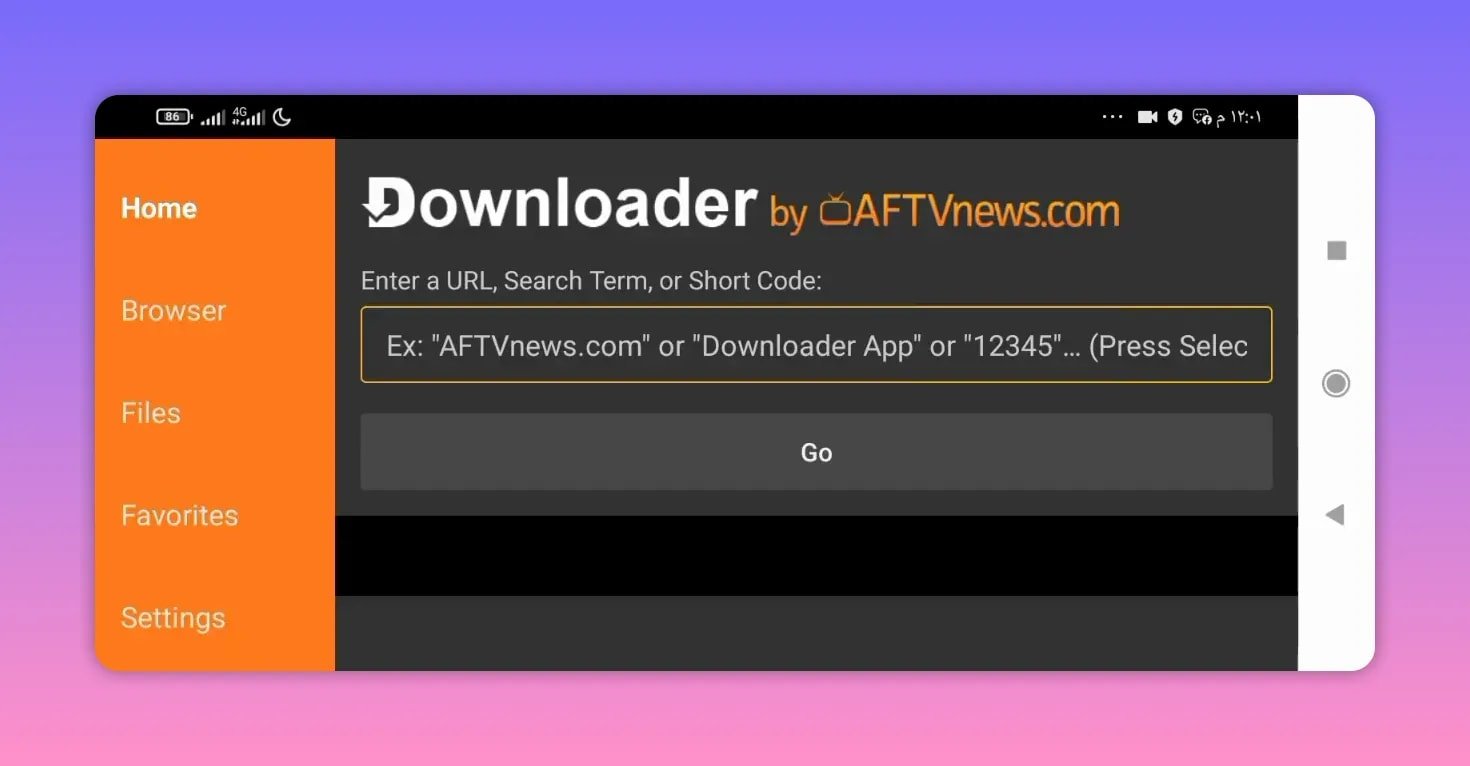
The installation method shown for Rodo TV uses the Downloader app on the TV. If Downloader is not already installed, you can get it from the official Android TV or Fire TV app store for your device. You can also learn more about the tool from the Downloader app page by AFTVnews.
Once Downloader is ready, the process is simple.
- Open the Downloader app on your TV.
- In the code field, enter the download code for Rodo TV.
- Press Go.
- Wait a few seconds for the page to open.
- Scroll down until you find the app download option.
- Select the download button.
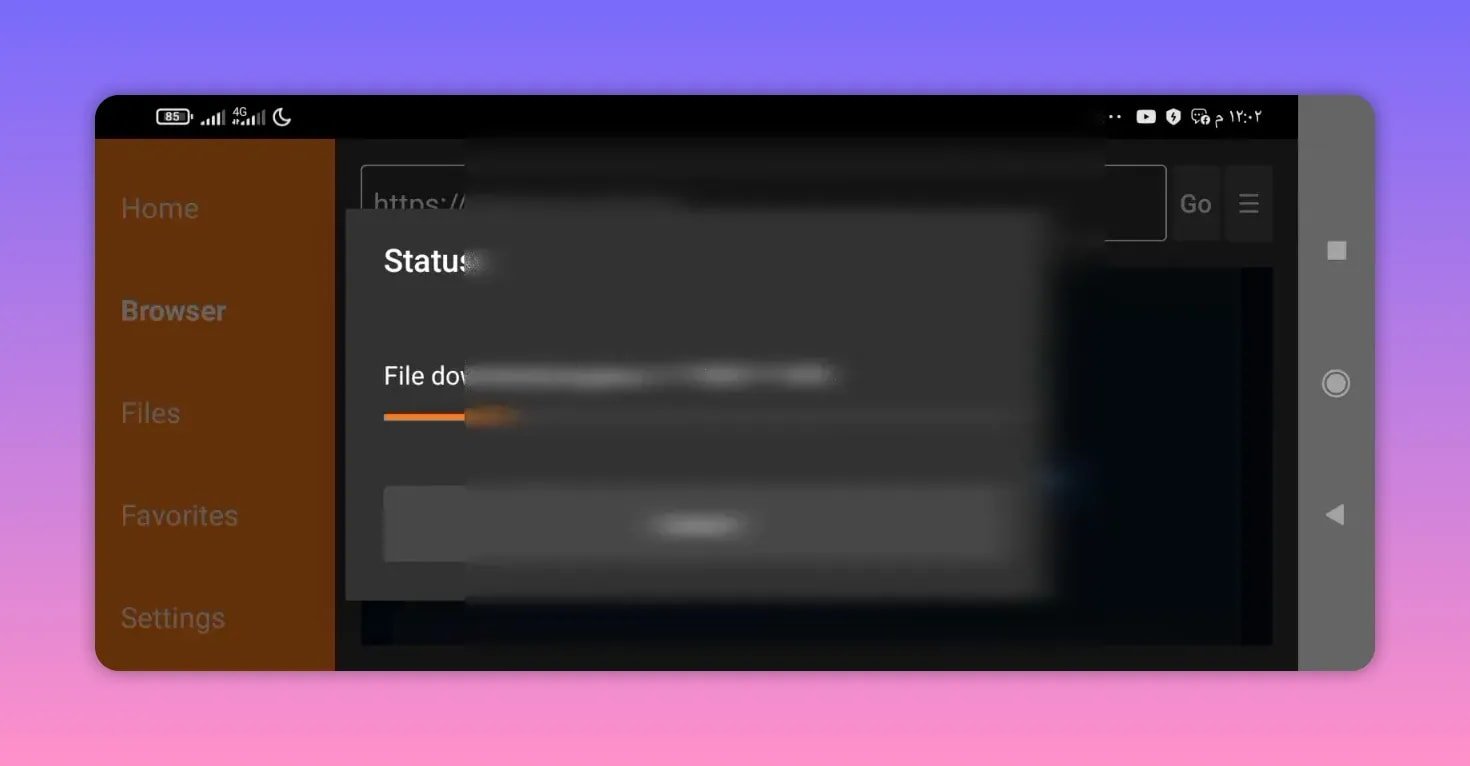
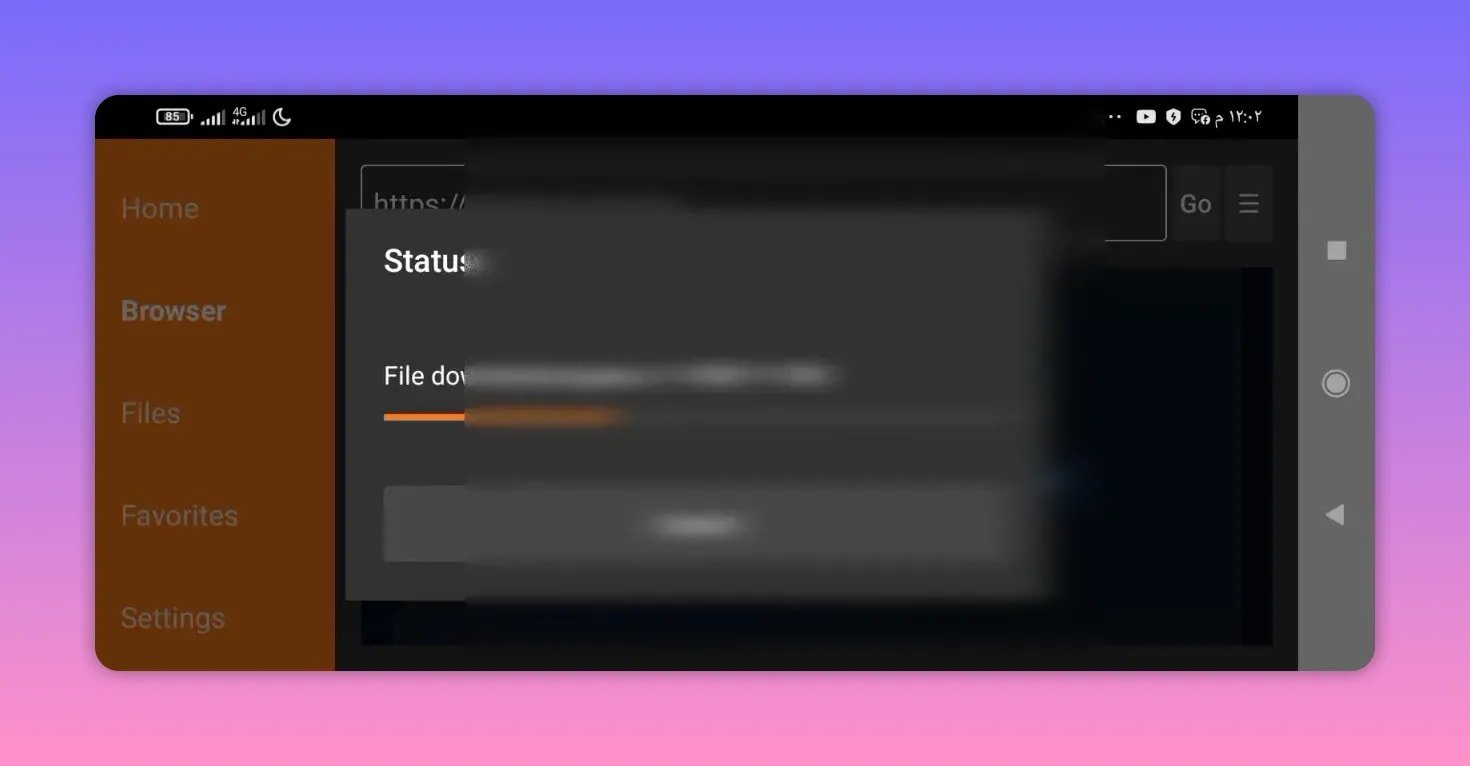
- Wait for the APK to finish downloading, then complete the installation.
The code shown for Rodo TV is:
5845
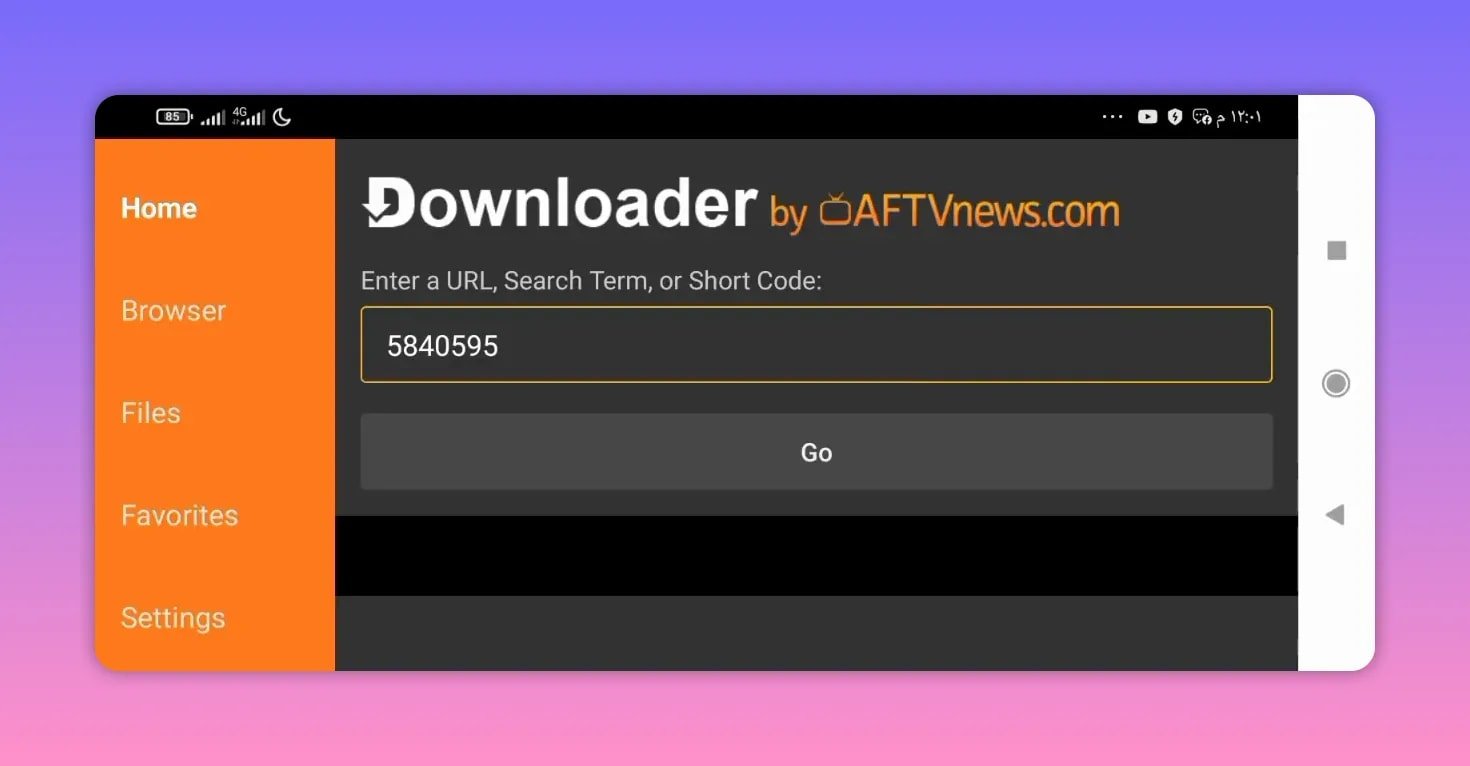
After entering the code and pressing Go, the page should redirect within a few seconds. From there, you simply wait for the page to fully load, scroll down, and choose the download option for the app.
🛠️ Step-by-step installation notes
Even when the process is easy, a few practical details help avoid mistakes.
Wait for the page to load fully
After entering the code, do not rush. Give the page enough time to open completely before scrolling. If the TV connection is slow, this may take a little longer.
Scroll down to the download section
Once the page appears, move down until you see the app download option. That is the point where you start the APK download for Rodo TV.
The app is very small
The file size mentioned for Rodo TV is only 14 MB. That is excellent for a TV app offering multiple channel categories. A smaller APK usually means:
- faster downloading
- less storage use
- quicker installation on lower-powered devices
It is designed to be practical
The app is described as very good and new, with the expectation that it should work well for people installing it on their TV setups.
🌐 Why Rodo TV may suit slower internet
One of the most useful details about Rodo TV is that it is considered suitable for medium and weak internet connections. That makes it appealing for anyone who struggles with buffering on larger apps or overloaded streaming platforms.
Of course, network quality still affects performance, especially with live channels. If you want smoother streaming on Android TV in general, basic network optimization can help. Google also provides general Android TV help through its official Android TV support pages.
In practical terms, an app like Rodo TV makes sense when you want:
- a lightweight install
- faster access to channels
- less strain on your device
- a better chance of stable use on modest connections
If you often try different TV apps, you may also find it useful to browse other Android TV installation guides here: Android TV app guides.
📦 What to expect after download
After the APK finishes downloading, install Rodo TV normally on your Android TV device. Since the app size is small, installation should not take long.
If your device blocks APK installation, make sure permission for installing apps from unknown sources is enabled for Downloader. This is a normal Android TV step when sideloading apps that are not installed directly from the Play Store.
Once installed, Rodo TV should be ready to open and test. Because the app is presented as a fresh release, it is always a good idea to check that your connection is stable and that your TV device has enough free storage before installing.
For anyone comparing similar installation methods, this guide on a smooth Downloader workflow may also help: Install an Android TV app via Downloader.
✅ Why this app is worth trying
There are a few reasons Rodo TV is easy to recommend for testing on Android TV devices:
- It is a new app, not an overused old option.
- It includes sports and entertainment channels.
- It is lightweight at just 14 MB.
- It is said to work well on average and weaker internet.
- The installation process through Downloader is quick and simple.
Sometimes that combination is exactly what matters most. Not everyone wants a complicated setup, a giant APK, or an app that only works well on very strong internet. Rodo TV is appealing because it keeps things simple.
❓ FAQ
What is the Downloader code for Rodo TV?
The Downloader code shown for Rodo TV is 5845.
What type of content does Rodo TV include?
Rodo TV includes a variety of channels, especially sports channels and entertainment channels.
Is Rodo TV heavy to install?
No. Rodo TV is described as a small app with a size of only 14 MB, so it should download and install quickly on most Android TV devices.
Can Rodo TV work with weaker internet?
Yes. One of the key points highlighted about Rodo TV is that it is suitable for medium and weak internet connections.
How do I download Rodo TV after entering the code?
After entering the code in Downloader and pressing Go, wait for the page to load, scroll down, find the download option, and select it to start downloading the Rodo TV APK.
Which devices can use Rodo TV?
The installation method shown is for Android TV devices, including setups that use Downloader such as smart TVs with Android TV or Google TV and compatible TV boxes.
🎯 Final thoughts
Rodo TV keeps things simple in the best way. It is a lightweight Android TV app, easy to install with Downloader, packed with sports and entertainment channels, and designed to be friendly even on weaker internet. For anyone who wants a fresh app without a complicated process, this is a solid option to try.
If you install Rodo TV, the key details to remember are simple: use Downloader, enter 5845, wait for the page to load, scroll down, and start the download.