Saif tv has a new update, and if you use Android TV or Google TV, the installation process is very simple. This version is presented as an updated release of a well-known app that includes many Arabic sports channels, along with multiple servers for streaming. If you want to get the latest Saif tv version running quickly, all you need is the Downloader app and the correct code.
The method is straightforward: enter the code, wait for the redirect, open the download page, and install the APK. That is the whole idea, but it helps to follow the steps in order so everything goes smoothly.
Table of Contents
- 📱 What this Saif tv update offers
- ⬇️ What you need before installing
- 🔢 Downloader code for Saif tv
- 🌐 Where the code redirects you
- ⚙️ How to install Saif tv step by step
- 📡 Why this Saif tv version stands out
- 📝 Quick installation notes
- ❓ FAQ
- ✅ Final takeaway
📱 What this Saif tv update offers
This updated Saif tv release is introduced as a strong option for anyone looking for an app that gathers a large number of Arabic sports channels in one place. It is also described as a familiar app, which means many users may already know the name and just need the newest version.
The main points highlighted for this update are:
- A new version of Saif tv
- Access to many Arabic sports channels
- Multiple servers inside the app
- A simple installation process using Downloader
If you usually install APKs on TV devices through short codes, this process will feel very familiar. If not, you can also browse other Android TV installation guides on this Android TV apps page for similar app setup methods.
⬇️ What you need before installing
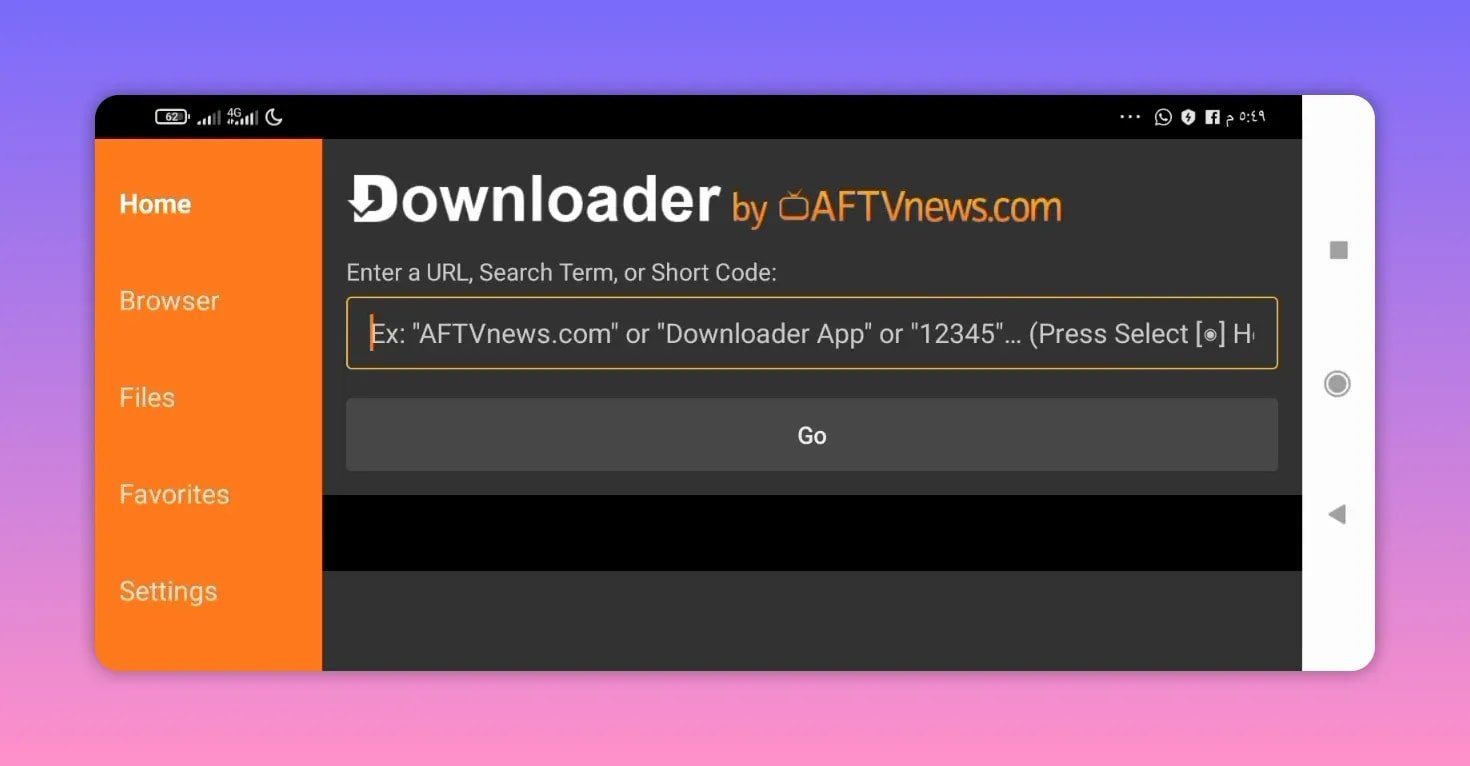
Before installing Saif tv, make sure the Downloader app is already installed on your device. This is the tool used to enter the numeric code and open the file host page where the APK is located.
If you are new to this style of installation, Downloader is a commonly used utility for sideloading apps on Android TV devices. You can learn more about it from the official Downloader app page.
Once Downloader is ready, you can move on to the code entry step.
🔢 Downloader code for Saif tv
To begin the installation, open Downloader and enter this code:
- 9678501
After entering the code, confirm it and continue. The process should redirect automatically after a few seconds.
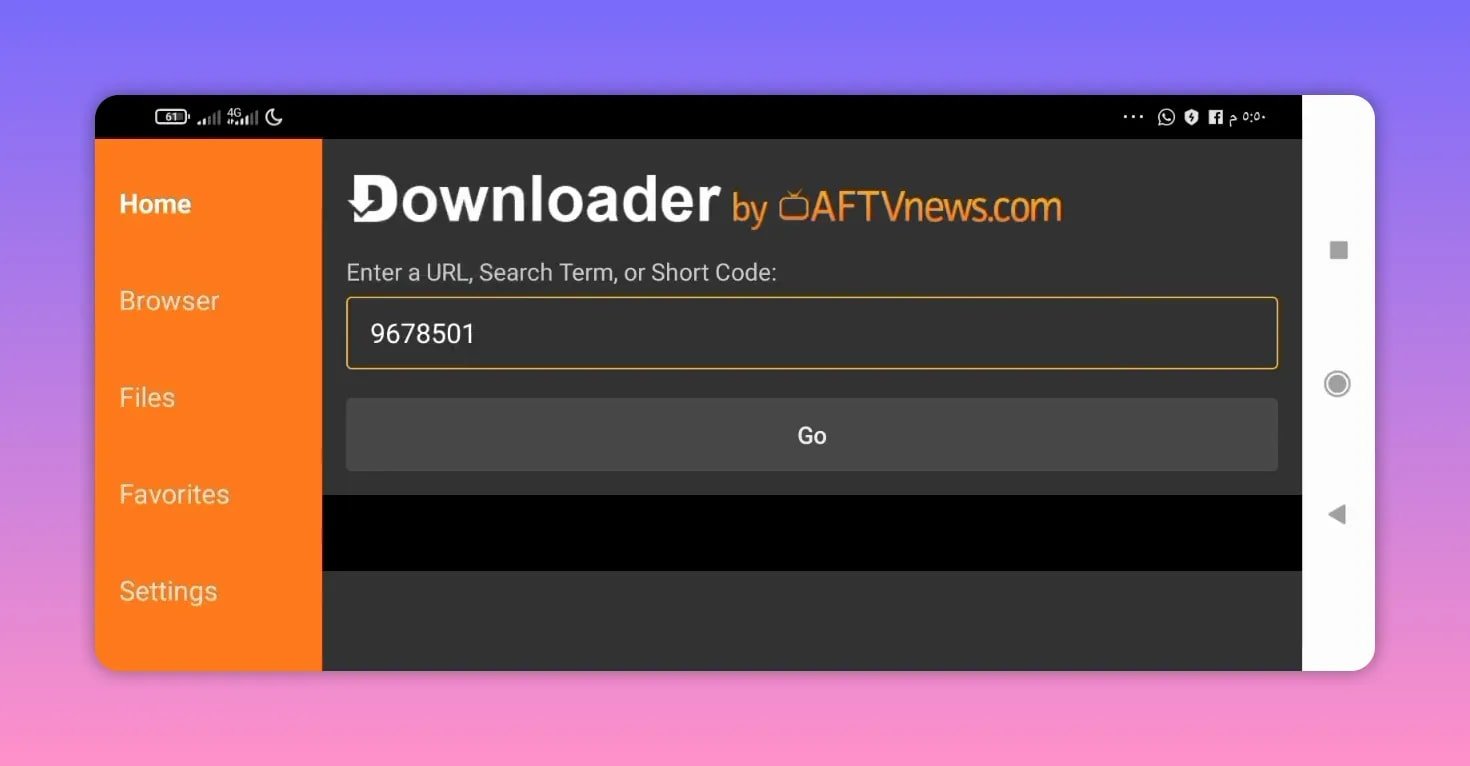
This short-code method is popular because it saves time. Instead of manually typing a long download link, you just use the code and let Downloader handle the redirect.
If you want to compare the process with another similar setup flow, this guide on installing a streaming app with Downloader follows the same general idea.
🌐 Where the code redirects you
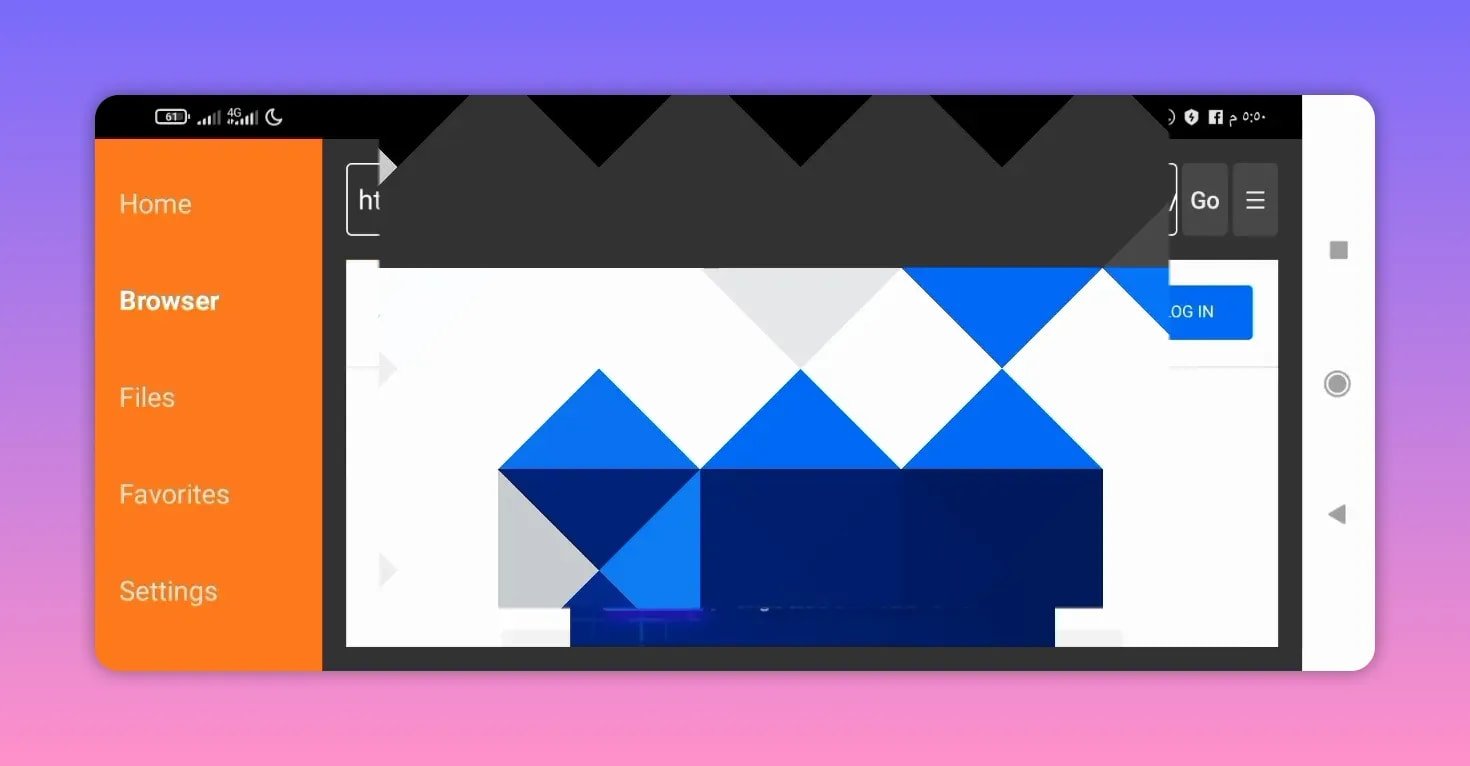
After a brief wait, Downloader sends you to a file hosting page on MediaFire. That is the location used for the APK download.
At that stage, do the following:
- Wait for the redirect to complete.
- On the MediaFire page, scroll down.
- Look for the app name: Saif TV.
- Select the listed version, which is identified as version 1.3.
Once you tap the file name, the download should start.
⚙️ How to install Saif tv step by step
Here is the full process in one clean sequence:
- Open the Downloader app on your Android TV or Google TV device.
- Enter the code 9678501.
- Press go to continue.
- Wait a few seconds for the automatic redirect.
- On the MediaFire page, scroll until you find Saif TV.
- Select Saif TV version 1.3.
- Wait for the APK to download automatically.
- Proceed with installation on your device.
The important part here is not to rush the redirect page. Give it a few seconds, then scroll until you find the correct app file. After that, the rest is mostly automatic.
📡 Why this Saif tv version stands out
The strongest point mentioned for this Saif tv update is the availability of many servers. That matters because server variety can make an app more flexible when opening channels. It is also presented as a channel-rich app, especially for sports content in Arabic.
In practical terms, the value of this version comes from three things:
- Wide sports coverage through Arabic sports channels
- Server variety inside the app
- Easy installation through a short Downloader code
That combination is exactly why updated APK releases like Saif tv get attention on TV devices. People want something simple to install and broad in channel selection.
📝 Quick installation notes
To avoid confusion during setup, keep these points in mind:
- The code should be typed exactly as 9678501.
- The redirect does not happen instantly, so allow a few seconds.
- The file is hosted on MediaFire, so you need to scroll to the app listing.
- The version referenced is Saif TV 1.3.
If you regularly install this type of app, the flow is nearly identical to other APK guides that use Downloader codes and external file hosting pages.
❓ FAQ
What is the Downloader code for Saif tv?
The Downloader code is 9678501.
Which version of Saif tv is linked in this update?
The version referenced is Saif TV 1.3.
Where does the Downloader code redirect?
It redirects to a MediaFire download page where the APK file is listed.
What kind of content is highlighted for Saif tv?
The app is presented as including many Arabic sports channels.
Why is this Saif tv update recommended?
It is recommended because it is a new version of a known app, includes many channels, and offers multiple servers.
Do I need any app before installing Saif tv?
Yes. You need the Downloader app in order to enter the code and access the download page.
✅ Final takeaway
If your goal is to install the latest Saif tv update without wasting time, the process is refreshingly simple. Open Downloader, enter 9678501, wait for the MediaFire redirect, select Saif TV 1.3, and let the download begin.
For anyone looking for an updated app with plenty of Arabic sports channels and multiple servers, this Saif tv release is presented as a solid option worth trying.